
Top 5 Gaming Mice Under $30 (2025)
By The Budget Gamer Team • Updated
Heads up: We use affiliate links. If you buy through our links, we may earn a commission at no extra cost to you. Learn more.
1) Logitech G203 Lightsync Best Overall

Pros
- Reliable Logitech sensor
- Comfortable for most grip styles
- RGB software support
Cons
- Lightweight but plasticky feel
- Cable not braided
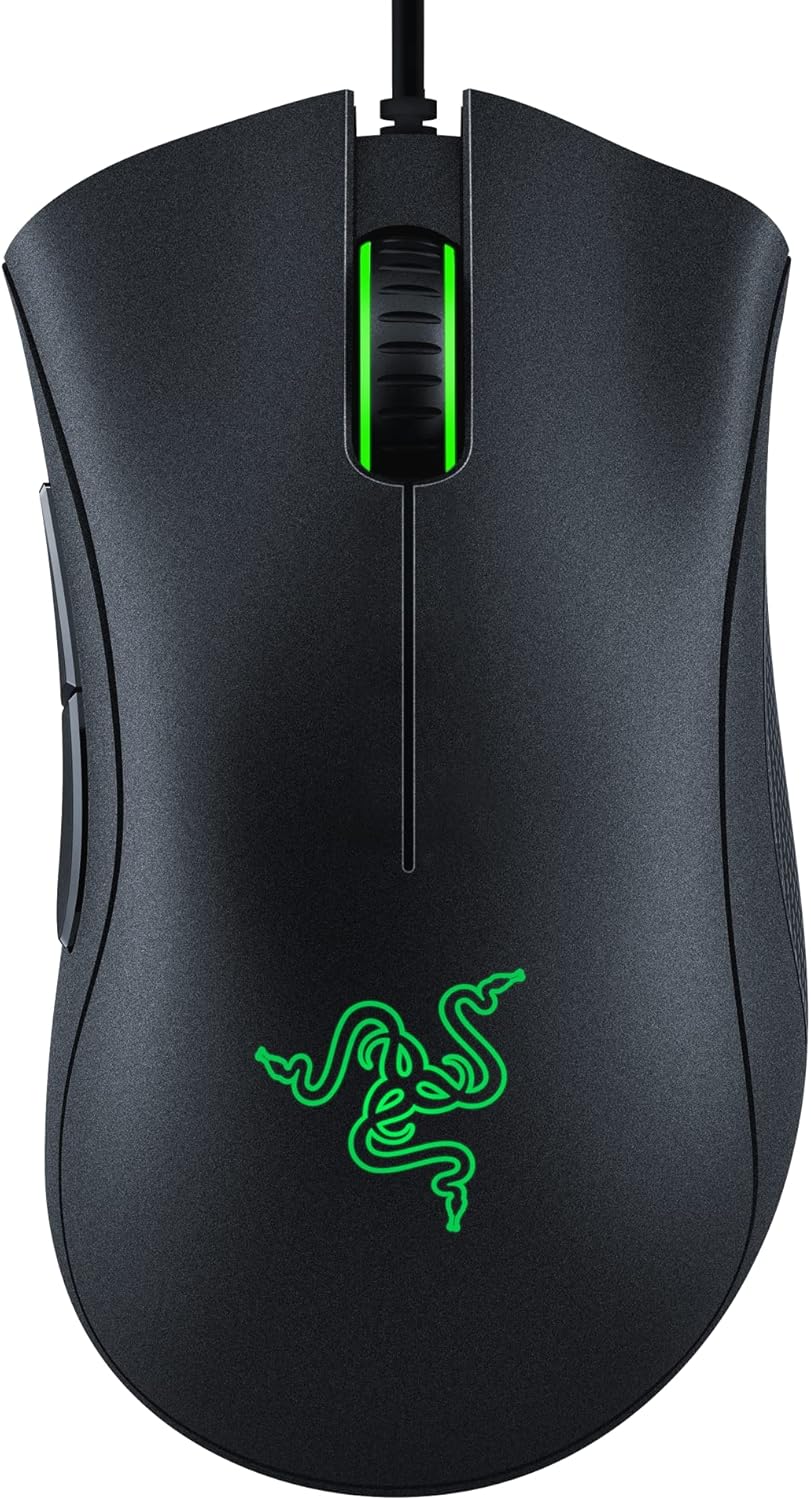
2) Razer DeathAdder Essential Classic Ergonomics
Pros
- Legendary ergonomic shape
- Reliable switches
- Razer Synapse customization
Cons
- Bigger size not ideal for small hands
- Only 1000Hz polling
3) Redragon M711 Cobra RGB Customization

Pros
- Crazy RGB options
- Surprisingly high DPI sensor
- Solid software for macros
Cons
- Not as durable as premium brands
- Bulky for FPS
4) Corsair Harpoon RGB Wireless Wireless Pick

Pros
- Wireless freedom at a low price
- Comfortable lightweight design
- Rechargeable battery
Cons
- Not always under $30 unless on sale
- Battery life is mid-tier
5) HyperX Pulsefire Core Best Build for the Price

Pros
- Durable HyperX build
- Onboard memory
- Good weight balance
Cons
- Not as light as esports mice
- Software is basic
Buyer’s Guide: What to Look for in a Budget Gaming Mouse
- Sensor: Even budget mice now use 6,400–10,000 DPI sensors — plenty for most games.
- Shape & Grip: Ergonomics matter more than max DPI. Choose based on hand size & grip style.
- Buttons: FPS players are fine with 2–6; MMO players want 8–12 for macros.
- Weight: Under 100g feels snappier for competitive play.
- Software: RGB and macro customization can make even cheap mice feel premium.
FAQs
Do cheap gaming mice actually last?
Yes — especially from Logitech, Razer, HyperX. Switches are usually rated 10–20 million clicks.
Are wireless mice under $30 reliable?
Occasionally. Models like Corsair Harpoon Wireless work fine, but check for sales — they’re often just above $30 at retail.
What’s the best mouse for small hands?
Logitech G203 is compact and lightweight, great for fingertip or claw grip.
Do DPI numbers really matter?
Not much past 3,200–6,400 DPI. Shape and comfort affect performance more than extreme DPI.
Final Take
Under $30, you’re not stuck with office mice anymore. Logitech and Razer bring proven shapes, while Redragon and HyperX offer great bang for the buck. Grab the G203 if you’re unsure, or the DeathAdder Essential if you want comfort that’s stood the test of time.